How to scale an seo blog workflow across many sites
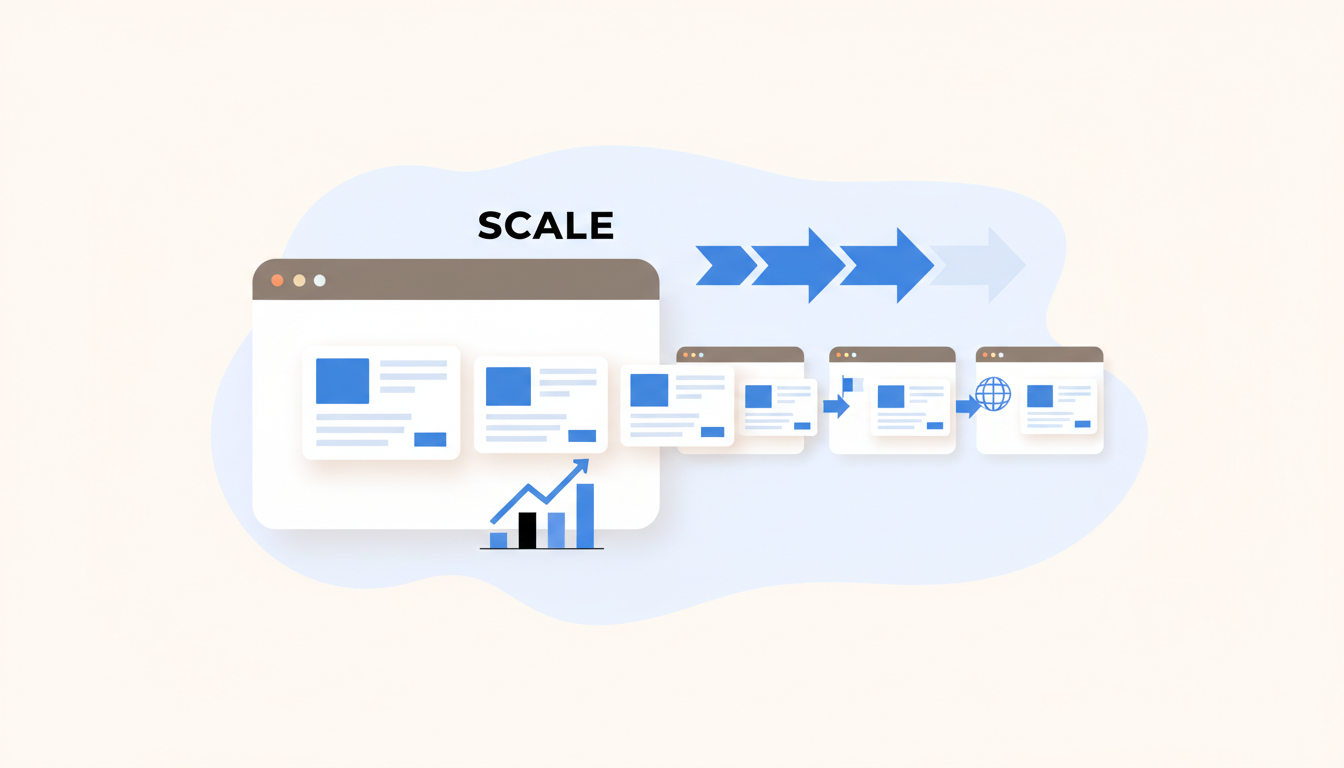
Managing an seo blog across a portfolio of domains means faster indexing, consistent cadence, multilingual reach and days saved each month—if you pick the right workflow.
What a multi-site workflow actually delivers
- Faster Google discovery by auto-submitting each new post and tracking indexing time.
- Consistent publishing cadence across clients and languages so nobody misses a retainer deliverable.
- Localized content without cloning briefs: one topic, many variants, one dashboard.
- Operational time savings from research → brief → publish pipelines that reduce writer churn.
- Visibility into decay and traffic so you can prioritize refreshes instead of blind rewrites.
Why agencies centralize blog operations
What problem are you solving?
Who feels the pain first?
What does centralization change for clients?
Core capabilities any serious multi-site workflow must include
- Verified search volumes and intent mapping — you need monthly volumes you can trust for 50+ sites, not guesswork from a single spreadsheet.
- Per-site brand voices and templates — different clients, different tones; the system must store and apply these automatically.
- Automated briefs with recent context — briefs that pull current SERP snippets, competitor headers and news so drafts aren’t stale.
- Scheduled publish + native CMS/webhook support — native WordPress REST API, webhooks or direct integrations reduce failed publishes.
- Multilingual/localized output — not machine-translated clones: locale-aware titles, Hreflang, and localized examples.
- On-brand hero image generation with fallback — AI-first image generation plus stock fallback avoids broken thumbnails.
- Automatic Google index submission — a single click or automated push for every post to speed discovery.
- Site readiness scoring and analytics — content quality checks, SEO readiness, and post-publish traffic metrics in one view.
Two practical architectures agencies run in 2026
| Characteristic | Purpose-built SaaS (example) | Assembled automation (n8n + LLMs + CMS) |
|---|---|---|
| Authoring | Integrated briefs → drafts inside platform | LLM chain: research model → draft model |
| Scheduling & publishing | Native CMS connectors + scheduler | Workflow nodes publish via REST API/webhooks |
| Image generation | Built-in brand presets + stock fallback | External image model (Ideogram) + storage hook |
| Indexing | Automatic Google submission by default | Custom node to call Indexing API or sitemap update |
| Pros | Stability, SLA, centralized analytics | Flexibility, best-of-breed models, lower platform lock-in |
| Cons | Less control over each micro-flow | Fragility: credentials, rate limits, API quirks |
Two 2026 touchpoints you should know: on 2026-10-28, ArticleBot published claims like 43‑second article generation and an Auto Pilot mode that can publish up to 48 articles per month, plus a Content Decay Detector and reported traffic lifts as high as 347% for agencies that adopt dedicated multi-site tooling. And on 2026-10-21, uknowhow documented an n8n template (ID 7941) that wires Google Sheets → Gemini research → GPT-4.1-mini drafting → Ideogram V3 images → WordPress publishing, recommending a single-row smoke-test before scaling.
Operational constraints and what breaks when you scale
- Credential health matters: expired keys, rotated tokens or IP blocks stop the whole pipeline.
- REST API and webhook quirks differ per CMS—WordPress REST configs and rate limits are common failure points.
- Model rate limits and prompt language constraints can create inconsistent output across locales.
- Partial failures are common: image generation succeeds but publish fails, leaving drafts orphaned.
- Monitoring, alerting and rollback must be baked in; otherwise a Monday stand-up turns into triage for a messy site with duplicate titles and broken index pushes.
Where Blogdat sits in a real end‑to‑end flow
Topic research to brief
Draft generation and localization
Schedule, publish, index
Here’s a compact map and what Blogdat automates vs when your team should step in:
- Topic research (automated) — Blogdat pulls verified search volumes and intent clusters so your content calendar prioritizes opportunity, not hunches.
- Automated brief (automated) — briefs include recent SERP context and competitor headers; reviewers get a short checklist instead of building briefs from scratch.
- Draft generation and localization (automated + review) — Blogdat generates an SEO-optimized draft and localized variants; you should review tone-sensitive sections, headlines and CTAs before publish.
- Hero image (automated) — on‑brand image generation with a stock fallback to avoid missing thumbnails at publish time.
- Schedule & publish (automated) — native CMS connectors or webhooks publish at the chosen cadence; Blogdat auto-submits to Google Indexing API after publish to accelerate discovery.
- Readiness and monitoring (automated) — site readiness scores, first-week impressions and analytics surface problems and decay signals for prioritization.
How to measure success and what to expect
- Indexing time: median time from publish to indexed (days) — aim to cut this by half with automatic index submissions.
- First-week impressions: track impressions in Search Console for the first seven days to validate intent fit.
- Organic traffic lift: sample uplift ranges—manual to automated pipelines have reported uplifts; ArticleBot cited up to 347% for some agencies, though results vary by vertical.
- Content decay detection: percent of posts flagged for refresh each quarter; a good system prioritizes high-potential refreshes.
- Publish cadence & readiness: number of live posts per site vs site readiness score; balanced cadence beats blasting low-quality posts to hit quotas.
Deciding between an integrated platform and an assembled pipeline
- Choose a purpose-built SaaS (less ops overhead) if you need a predictable SLA, built-in Google submissions, and consolidated analytics for dozens of client sites; this is what platforms claim to deliver in 2026 with features like Content Decay Detectors and native CMS connectors.
- Choose an assembled automation (more flexibility) if you want to mix specific models (Gemini for research, GPT-4.1-mini for drafts, Ideogram for images) and you have engineering bandwidth to maintain credentials, handle rate limits and run smoke-tests.
- Ask these integration questions before buying: Which CMS and REST APIs are supported? How are multilingual flows handled? What is the SLA for indexing submissions? How are analytics and readiness scores exposed to clients?
FAQ for agency buyers in 2026
Will a purpose-built platform lock me in?
How fragile are n8n-style templates in production?
What’s the minimum team size to run automated multi-site publishing?
Answers at a glance:
- Lock-in is real but manageable—export options, API access and content ownership clauses are negotiation points you should secure up front.
- n8n templates give flexibility but break when credentials rotate, when rate limits hit or when a CMS plugin changes fields; uknowhow recommends a one-row smoke-test to validate the pipeline before batch runs.
- With a platform like Blogdat, teams of 2–3 can operate 10–30 sites; assembled pipelines typically need a developer plus an editor to maintain quality and stability.
Read also How to Generate SEO-Ready Blogs with AI and Auto-Index and How to schedule SEO posts automatically for multi-site teams.
