How to set up multi-site SEO blogging with AI automation
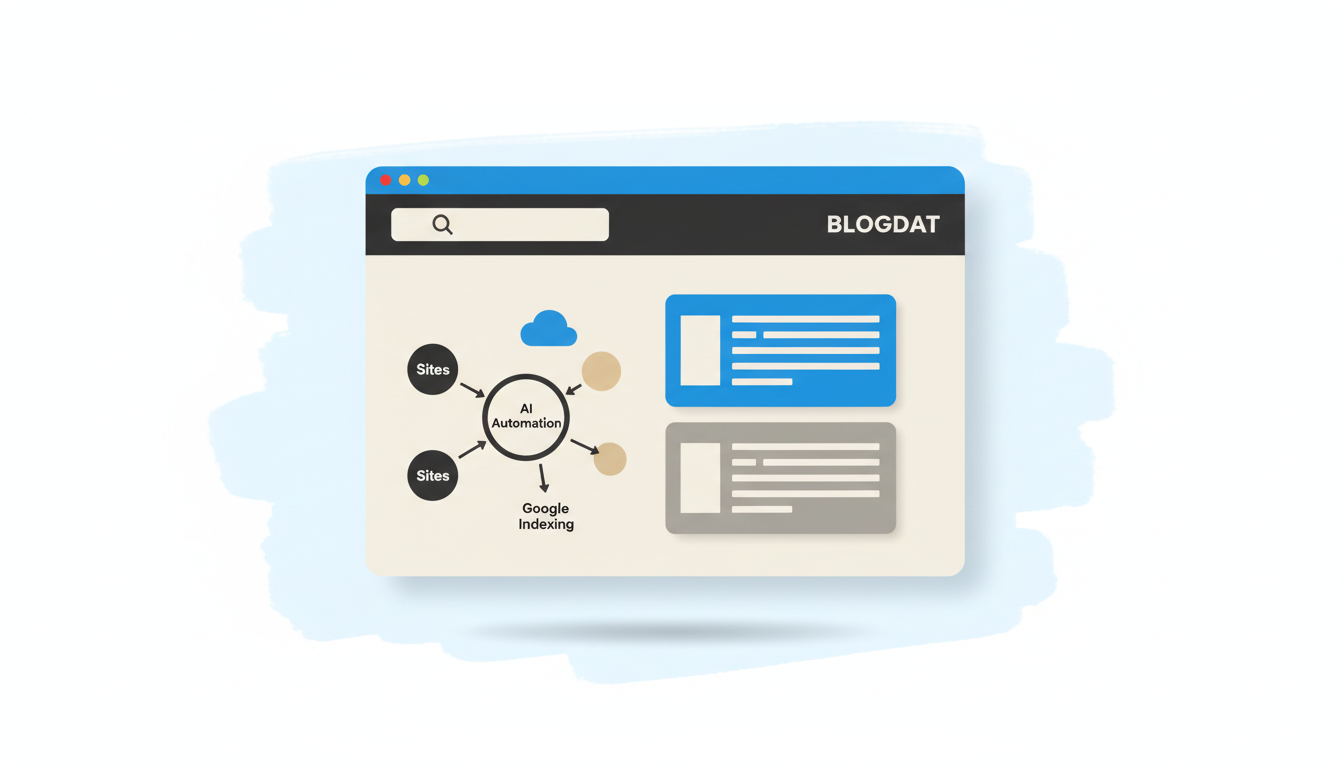
This how-to shows teams how to run multi-site seo blogging with AI automation using Blogdat so you can publish multilingual, SEO-ready posts to many sites and auto-submit each post to Google in 2026. It’s written for agencies, in-house marketing teams, publishers and network owners who need a single dashboard for topic mapping, briefs, publish cadence and Google indexing without hiring a large writing team.
Worked example: imagine a Monday stand-up where a small SEO agency has five client sites: a UK lifestyle blog, a Spanish e‑commerce blog, two local service pages and a multilingual corporate blog. You use Blogdat to inventory those domains, run topic research, generate a brief, produce a draft, create a branded hero image, queue a schedule and let Blogdat auto-submit the published post to Google. For the pilot week the team sets per‑site caps (three posts a week max) and an approval gate: every first post is reviewed manually, then the readiness score threshold drops from 90 to 80 once the post history looks good. That one-paragraph run shows the minimal human workflow and where automation saves hours each week while keeping per-site nuance intact.
When to centralize automation and when to keep decisions local
Automate repeatable tasks, keep strategy at the site level
You should centralize the repeatable parts of multi-site seo blogging—topic discovery templates, brief generation, image creation, publish scheduling and Google index submission—while keeping the editorial, audience and localization decisions local to each domain. Centralization reduces repetitive work and cost; site-level control preserves brand voice and audience relevance. This decision rule mirrors advice from recent industry guidance: AutoSEO (Oct 14, 2026) recommends building a portfolio inventory and then mapping topics to the correct domain instead of blasting the same content everywhere, and Spyro (Oct 24, 2026) emphasizes safe WordPress publishing patterns with review steps. Use Blogdat to standardize the pipeline contract but maintain per-site configuration files so you don't accidentally publish across languages or violate local editorial rules.
Trade-offs: centralize too much and you’ll get scalable mistakes—wrong geo, wrong voice, duplicated topics. Keep too many bespoke processes and you lose the efficiency that makes automation worthwhile.
Inventory, prioritization and topic mapping
Start with a domain inventory spreadsheet (domain, language, primary audience, CMS type, monthly traffic, conversion priority). Score each property on a simple scale: strategic (3), growth (2), maintenance (1). Use those scores to set publishing caps and cadence in Blogdat's portfolio view.
- Export site metadata (traffic, top categories, primary language) from analytics and CMS.
- Run a topic gap and intent map per domain using Blogdat’s topic research plus an SEO API like Ahrefs or SEMrush for volume and intent signals.
- Assign each topic to a single canonical domain where the content matches search intent and conversion goals (avoid cross-posting identical posts to multiple sites).
Map languages carefully: if a topic is global but performance metrics differ, create localized versions rather than translations when commercial intent or SERP features differ. Blogdat’s multilingual publishing tools help localize briefs and hero images so each site keeps brand consistency while speaking to its audience.
Designing the pipeline and per-site publishing contract
Pick one draft format and stick with it: Markdown with frontmatter (title, slug, publish_date, author, tags, language, site_id, readiness_score). That’s the contract every adapter must accept. Per‑site config files (JSON or YAML) live in Blogdat and define: maximum weekly posts, required review roles, allowed content templates, preferred image aspect ratios and sitemap/ping preferences. A deterministic gate script reads the frontmatter and per-site config and blocks any publish that violates rules.
Why Markdown + frontmatter? It’s CMS-agnostic, fits headless workflows and matches patterns from recent architecture guidance recommending a single intermediate draft format. Use Blogdat to store drafts, readiness scores and an activity ledger before the post hits the live site.
Step-by-step pipeline you can implement this week
- Topic research (central) — run a portfolio-wide topic sweep in Blogdat; filter by site priority and intent. Use AutoSEO’s approach to map keywords by site and prioritize topics that match each domain’s conversion goals (How to Automate SEO for a Portfolio of Websites in 2026).
- Automated brief (central) — Blogdat generates a brief including target intent, competitor snippets, target keywords, internal links to suggest, and localization notes. Keep fact-check markers: any claim with a date or statistic must be flagged for human verification.
- AI draft (per-site voice) — produce a Markdown draft using your chosen model; include frontmatter. The draft should follow a style contract (voice, word count range, H2 structure). Use the Model Context Protocol (MCP) pattern if you’re wiring multiple model engines and per-tenant prompts to avoid leaking secrets across clients.
- SEO optimization and readiness scoring (central + site rules) — run automated on-page optimization: meta tags, structured data, headings, target-term spread and internal linking suggestions. Blogdat computes a readiness_score; for new sites require 90+ for auto-publish, for established sites allow 80 with a review history.
- Hero image generation (brand-safe) — generate on-brand hero images with Blogdat’s templating and stock fallback; save image alt text and license metadata in the frontmatter.
- Schedule and staging (per-site) — queue posts in Blogdat, observe per-site caps, and hold behind approval gates if the post is the first in a new topic cluster or includes sensitive claims.
- Publish — publish via CMS adapter (WordPress REST API or headless CMS) as draft or publish according to per-site rule. Blogdat stores a publish event and the full activity ledger.
- Automatic Google submission — after publish, Blogdat auto-submits the URL to Google Indexing to speed discovery (useful per Spyro’s safe WordPress workflows). See WordPress AI SEO Automation: A Safe Workflow for 2026 for recommended review points and geo readiness steps.
- Monitor and iterate — track ranking, clicks, and index status from Blogdat’s dashboard and use weekly cohort analysis to adjust site caps and brief templates.
Integrations, stack and security decisions
Pick a CMS adapter that matches your fleet: WordPress (REST API with application passwords) is the most common and supported by Blogdat; headless CMSs like Contentful, Strapi, Sanity or Hygraph work with the same Markdown/frontmatter contract through publish adapters. Orchestrate with n8n or Make for smaller teams—n8n even offers a workflow template for generating drafts into WordPress—which fits the practical stacks recommended in October 2026 references.
| Layer | Recommended options (2026) | Why it fits multi-site |
|---|---|---|
| CMS adapters | WordPress REST API, Sanity, Contentful | Broad plugin support, API publishing, supports Markdown/frontmatter |
| Orchestration | n8n, Make | Per-site routing, retries, low-code adapters |
| SEO APIs | Ahrefs, SEMrush | Topic research, intent mapping |
Security checklist: isolate credentials per tenant (do not share application passwords across clients), encrypt secrets in transit and at rest, and use scoped service accounts. If using agent wiring or MCP patterns, ensure agents cannot access other tenant secrets—recent architecture guides warn against agents reusing secrets across tenants and recommend deterministic gate scripts and audit trails.
“Pilot on one site, standardize the pipeline, then scale with per-site config and human gates.”
That’s the synthesis from October 2026 practitioner guidance. Follow staged rollouts and require manual approvals on the first week for each site to prevent multiplying mistakes.
Quality control, gates and audit trails
Set deterministic gates that prevent bad publishes at scale. Make these non-negotiable: a readiness_score threshold, no unverified factual claims over X words, per-site internal link minimums, and image license checks. Use Blogdat’s activity ledger to record: who approved, what model prompt was used, the draft hash, and publish timestamp. Add automated rollback triggers: if a publish causes a spike in error pages or a broken schema, the system should unpublish and notify the owner.
Fact-checking rule: Claims with a year, statistic, or named study must include a source URL and be flagged for a human check. This breaks when your team short-circuits the gate to "save time"; the result is exactly the kind of fleet mistake the October 2026 playbooks warn against. Log every action—Auditability prevents cascading errors.
Enforce per-site guardrails and a human approval gate for sensitive topics.
Keep a conservative default and lower the gates selectively after you gather performance and QA data from the pilot.
Pilot to five sites: a concrete runbook
Worked example: pilot plan for five sites using Blogdat. Setup (day 0–3): import domain inventory, connect analytics, and set per-site config files. Week 1: run portfolio topic sweep and mark 15 high-priority topics (three per site). Generate briefs automatically and assign the first draft for human review. Use a cadence of one post per site in week 1, then scale to two posts per site in week 2 if readiness and approval metrics pass.
Concrete brief template (one paragraph): target intent, 6 target keywords (primary first), audience sentence, 3 competitor headings, suggested internal links (site_id references), localization notes, mandatory fact-check items, and a target word count. Sample per-site config (JSON snippet): max_weekly_posts, required_roles (editor, translator), readiness_threshold, image_aspect, publish_window. Expected metrics after 8 weeks: index rate within 24–48 hours for auto-submitted pages, CTR uplift for pages with optimized snippets and image, and a 20–30% time savings per post compared to manual drafting.
Rollout checklist and next steps
Staged rollout plan: pilot one site for two weeks; expand to five sites for four weeks; run a fleet-wide audit and then scale the cadence. KPIs to watch: index latency (hours), readiness_score pass rate, human review time per post, and per-site organic clicks. Common pitfalls: publishing without blocking per-site rules, letting agent prompts leak client secrets, and skipping fact-checks on claims with dates. Sources from October 2026 recommend these exact mitigations: AutoSEO’s portfolio mapping and Spyro’s WordPress safety steps are both practical blueprints to follow.
- Confirm domain inventory and assign priority scores.
- Create site config files and enforce a Markdown+frontmatter draft contract.
- Pilot one site with manual approval for every post for two weeks.
- Measure readiness scores, index time and QA defects; adjust prompts and site caps.
- Scale to five sites, keep first-post manual approval, then open to auto-publish with thresholds.
- Connected all five sites and set per-site config in Blogdat.
- Defined Markdown + frontmatter draft contract and readiness thresholds.
- Ran a 2‑week pilot on one site and validated index times and QA rules.
- Rolled out to five sites with per-site caps and human approvals on first posts.
- Enabled automatic Google index submission and set activity-ledger retention.
References: see AutoSEO’s recommendations on portfolio automation (How to Automate SEO for a Portfolio of Websites in 2026) and Spyro’s WordPress workflow guide (WordPress AI SEO Automation: A Safe Workflow for 2026) for more detail on site-level review points. For a practical automation template, consider the n8n WordPress workflow pattern when you build your orchestration layer.
Read also How to Generate SEO-Ready Blogs with AI and Auto-Index and Why a keyword blog still wins for SEO in 2026.
